Managing files in class challenge activities
Making Directories and Files: MKDIR & TOUCH
Quick overview:
mkdiris the command we use for making directoriestouchis the command we generally use for creating empty files (there are other ways but this is the simplest)
- In your home directory, create a directory called
projectx - Inside
projectx, create 3 directories calleddata,logs, andcode - Inside the
codedirectory, create an empty file calledindex.html - Inside the
datadirectory, create an empty file calleddata.json - Inside the
logsdirectory, create an empty file calledaccess.log
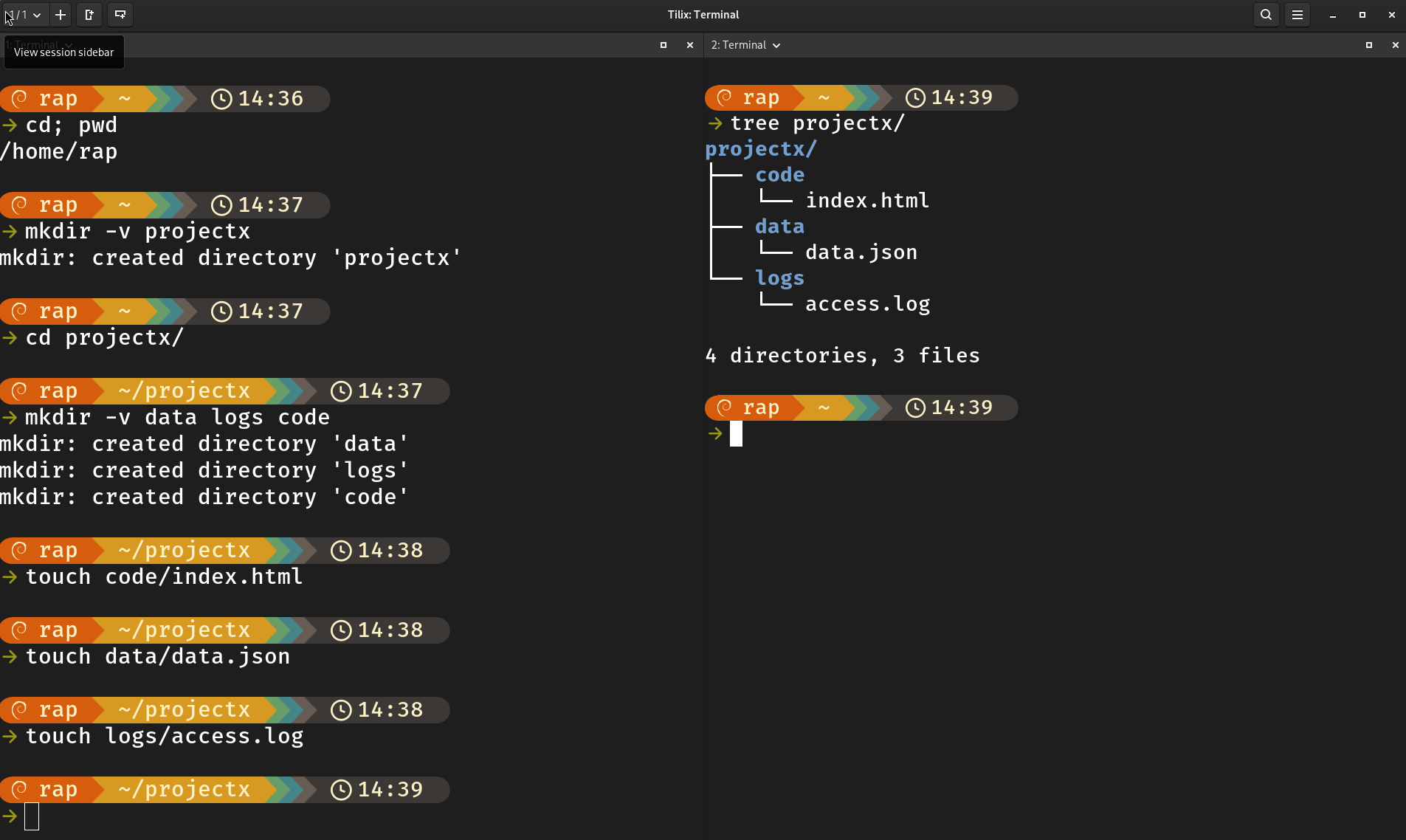
Run the command
tree ~/projectxand take a screenshot of your terminal
RM
Quick overview:
rmis the command we use for removing filesrmdiris the command we use for removing EMPTY directoriesrm -ris the command we use to remove files and NON-EMPTY directories
- Remove the following files without using the
cdcommand:
index.html,data.json, andaccess.log - Remove the following directories:
codeandprojectx
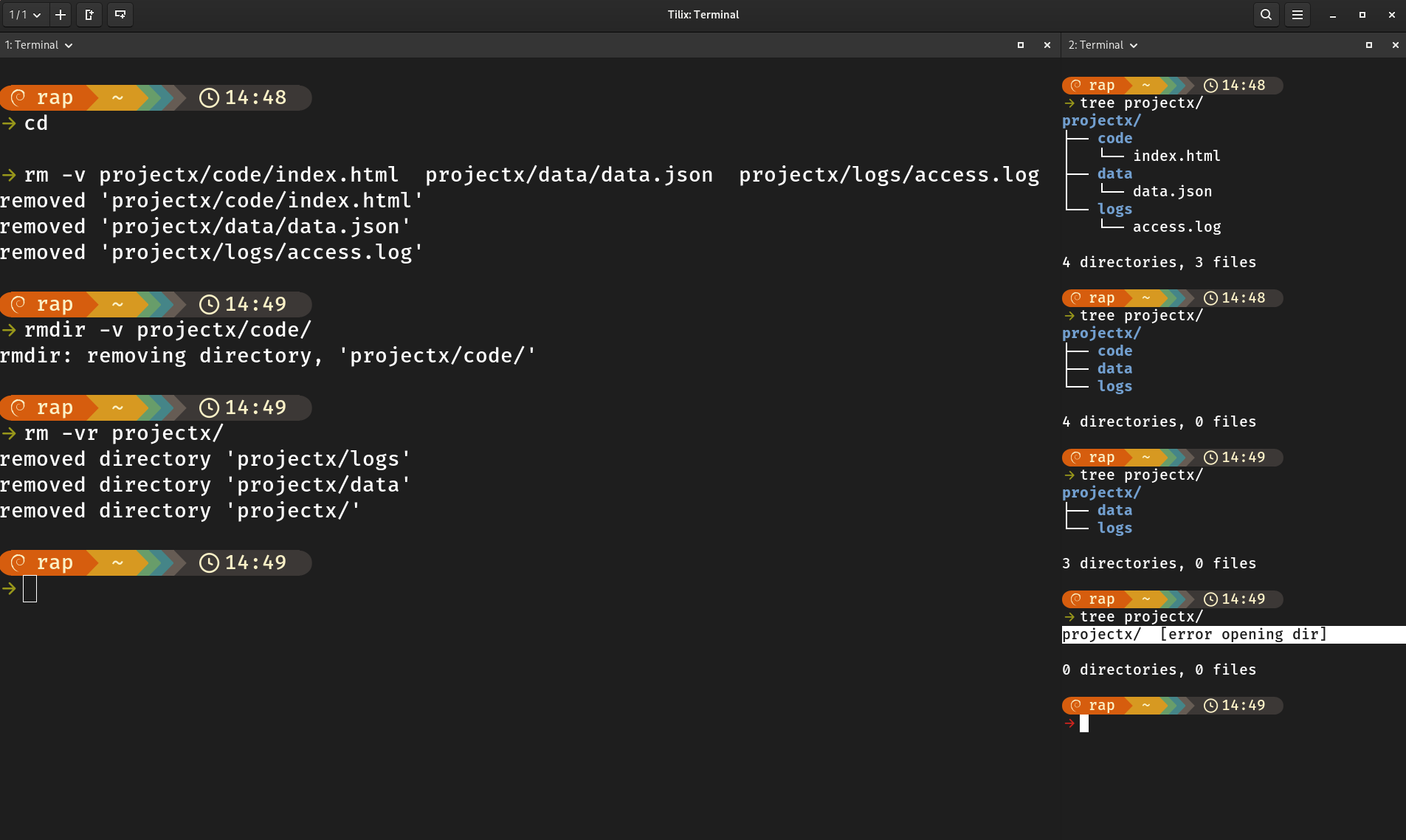
Take a screenshot of your terminal showing the rm commands you used
MV
Getting the required files
- Create a directory called
homework-filesin your~/Documentsdirectory. - Change your current working directory to
~/Downloads - Download the following files from the command line using
wget. Thewgetcommand only requires the file’s URL and saves the file to your current directory.
wget https://upload.wikimedia.org/wikipedia/commons/4/45/Linux-for-workgroups-boot.jpg \
    https://ontheline.trincoll.edu/images/bookdown/sample-local-pdf.pdf \
    https://example-files.online-convert.com/document/txt/example.txt
Moving files
- Move the 3 files you downloaded earlier to the
homework-filesdirectory. - Move the
homework-filesdirectory to the~/Downloadsdirectory.
Renaming files
- Rename the files you downloaded earlier in the following manner:
Linux-for-workgroups-boot.jpg -> logo.jpg
sample-local-pdf.pdf -> report.pdf
example.txt -> notes.txt
- Rename the directory
homework-filestosubmissionand at the same time, move it to the~/Documentsdirectory
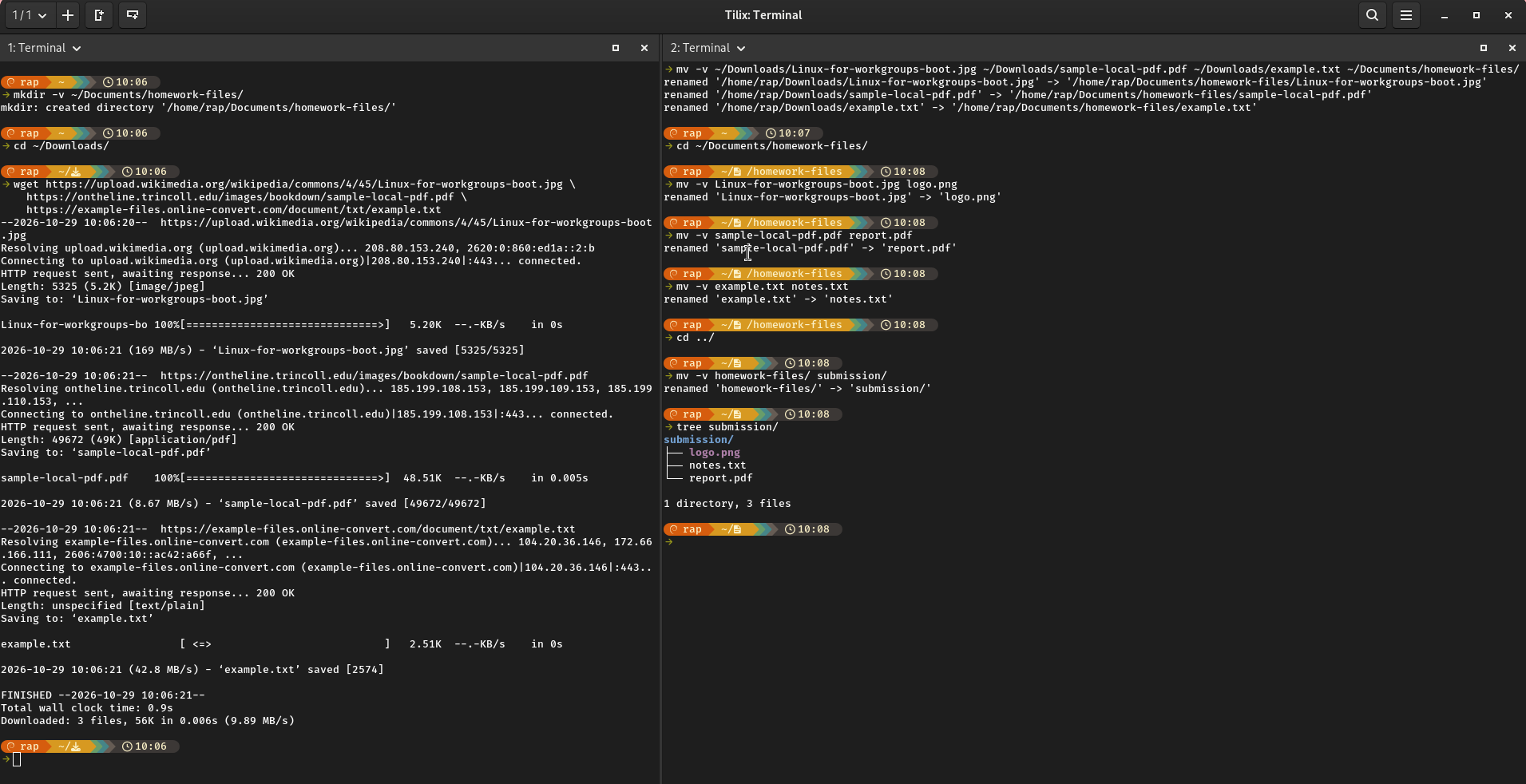
Run the command
tree ~/Documents/submissionand take a screenshot of your terminal
CP
- Change your current working directory to
~/Downloadsand download the following files usingwget:
wget https://cis106.com/assets/change_font.gif \
    https://cis106.com/assets/example-logo.png \
    https://cis106.com/assets/shopping.txt
- Create a directory in
~/Documentscallednew-files - Copy the files you downloaded earlier to the
new-filesdirectory - Copy the
new-filesdirectory to the~/Picturesdirectory. - List both copies of
new-files
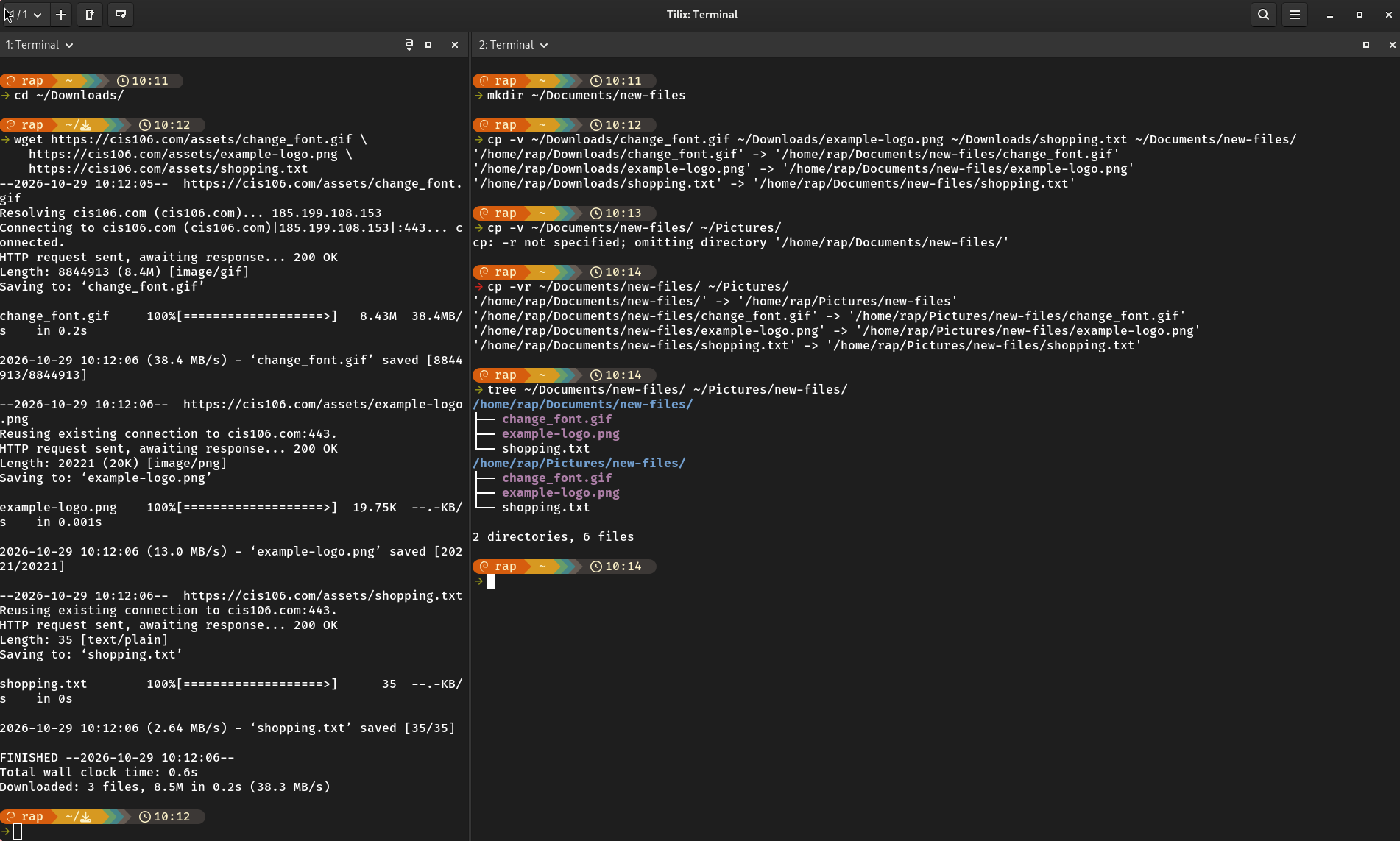
Take a screenshot of your terminal